


.svg)
.svg)

.png)
For businesses running repeating shift patterns, FIFO rotations, fixed weekly schedules, or any roster that follows the same structure week after week, building and maintaining those rosters manually is a significant time sink. Every new period means recreating the same shifts, for the same people, in the same pattern.
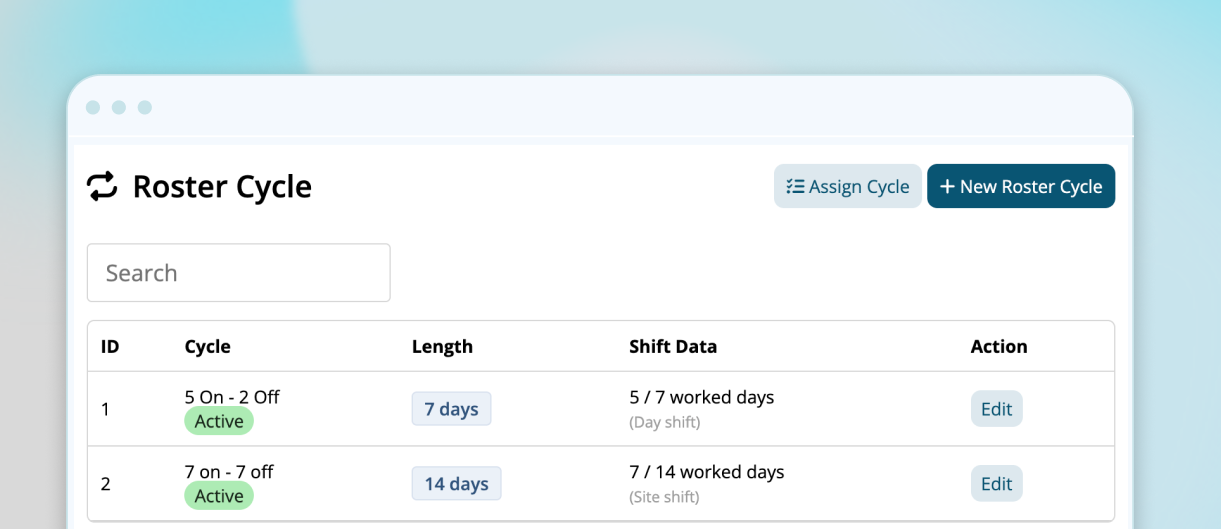
What are Roster Cycles?
Roster Cycles is a new feature, available to Enterprise accounts, that lets administrators build a repeating shift pattern once, then apply it across a group or individual employee for any date range.
The pattern defines which days are worked, which are days off, and what the shift times are. Once built, it can be applied to an entire group of employees in a single action, generating weeks or months of rosters shifts automatically.
How it works
The workflow has two parts: building the patterns, and assigning it.
Building the cycle
Create a roster cycle by defining the total length of the repeating pattern and configuring each day, whether it's a worked day or day off, and the start and finish times for each shift.
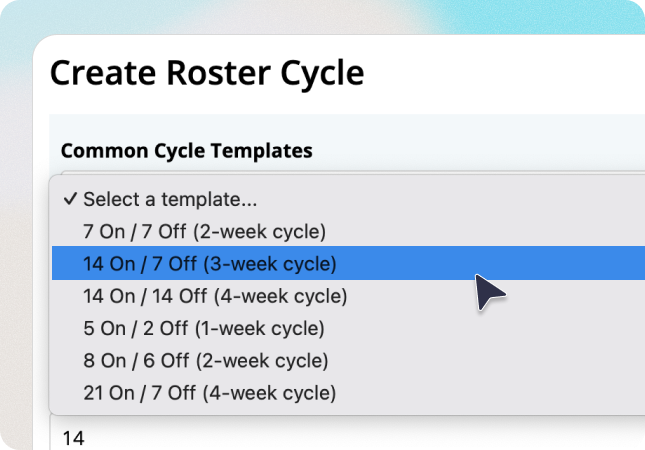
To make setup faster, six common templates are available as starting points:
- 7 On / 7 Off
- 14 On / 7 Off
- 14 On / 14 Off
- 5 On / 2 Off
- 8 On / 6 Off
- 21 On / 7 Off
Templates can be customised before saving, and custom patterns can be built from scratch for anything that doesn't fit a standard rotation.
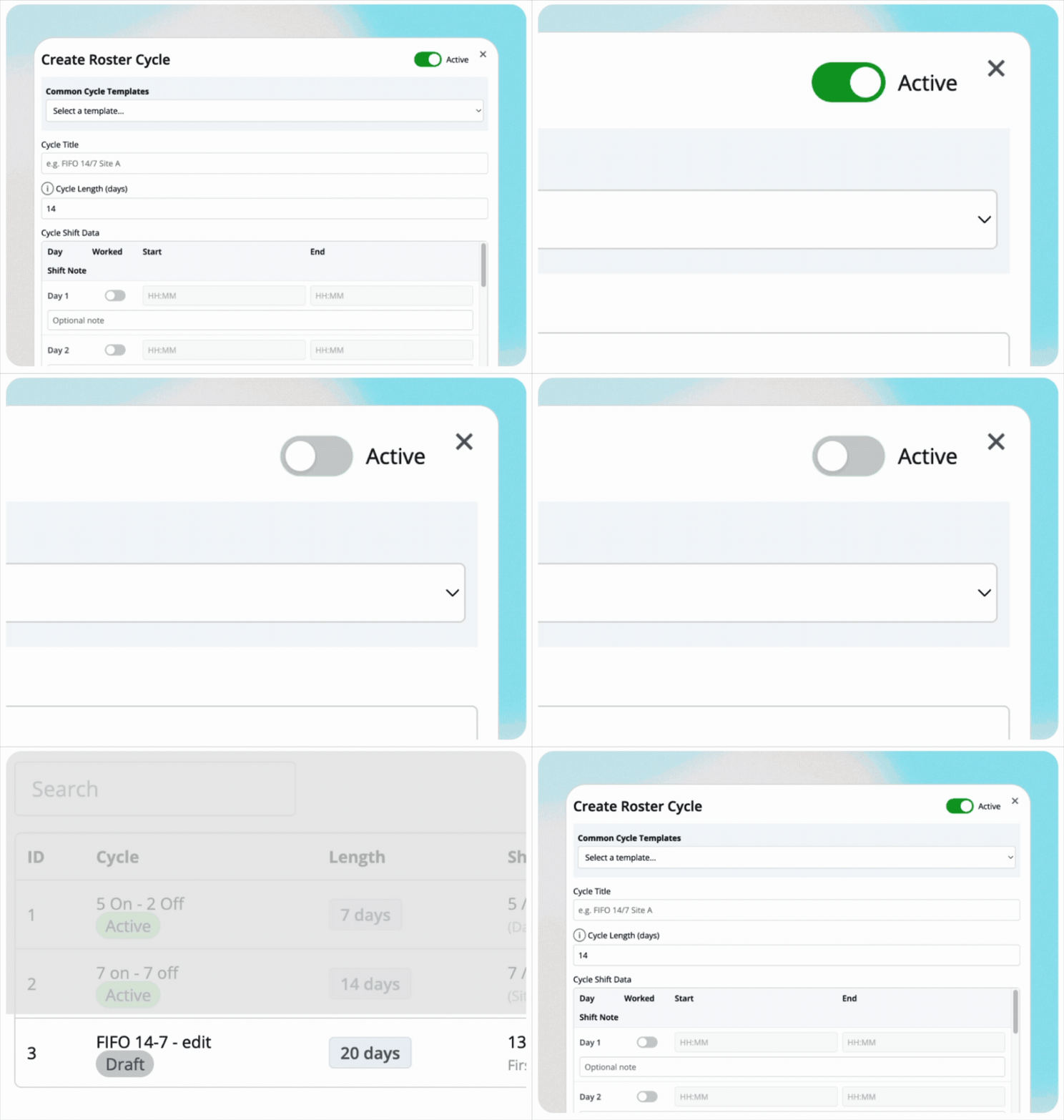
Cycles can be saved as a Draft while being reviewed, and set to Active when ready to use.
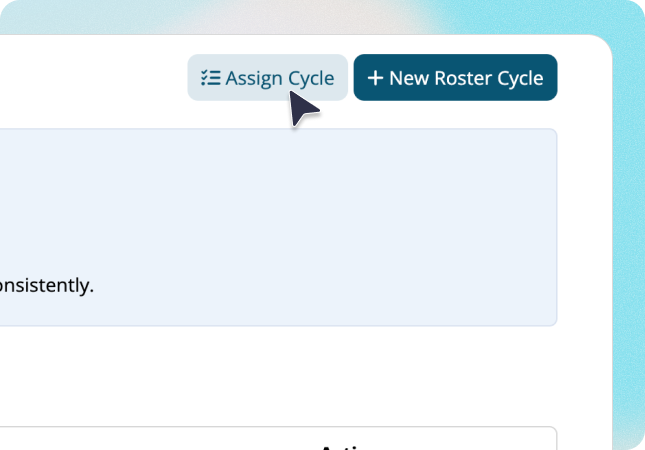
Assigning and applying the cycle
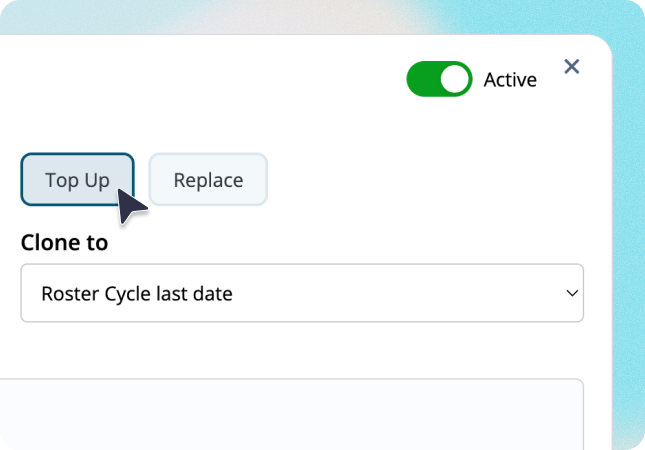
Once a cycle is built, it's assigned to a group or an individual employee. You set the project dates, choose how many complete repetitions to apply, and select whether to Top Up existing rosters, filling only days without an existing shift, or Replace them entirely.
Before applying, a preview shows every date included in each repetition: the calendar date, whether it's worked or off, shift time, and any shift notes. Once you're satisfied, a single click generates all the roster shifts across the selected range, and a summary confirms how many shifts were created and how many staff were affected.

Where it's more useful
Roster Cycles is a particularly well suited to businesses where the same rotation repeats predictably, mining and resources operations running FIFO schedules, warehouses and logistics teams on fixed patterns, healtchare facilities running rotating shift blocks, or any multi-site business where consistent rostering across large groups is the norm.
For businesses that have been manually recreating the same roster week after week, or copying shifts one by one, this removed that process entirely.
Adding new employees to an existing cycle
If a new employee joins a group that already has cycle applied, their shifts aren't added automatically. Instead, you reapply the existing group assignment using Top Up, which recalculates the matched employee list to include the new starter, fills their unrostered days, and keeps the cycle-day alignment consistent with the rest of the group. Existing shifts for other employees are preserved.
Where to find it
Roster Cycles is available now for Enterprise accounts. Navigate to Menu -> Rosters -> Roster Cycles to get started.
For a full walkthrough of setup and assignment, visit the Roster Cycles guide. If you have questions, our support team is available by phone and ticket.
.png)
.png)
.png)


